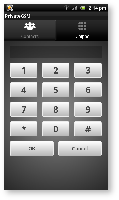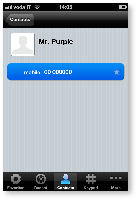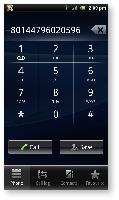
PrivateGSM lets you to:
Calls with PrivateGSM are simply identified by the "+801" prefix in front of the number to be dialed including the international prefix without zeros. For example:
"+801 44 333 1234567"
+801 | PrivateGSM prefix, including '+' |
44 | International country code for UK without zeros |
333 1234567 | Phone number |
| For quick dialing we recommend you save numbers with the +801 prefix as "secure" contacts in your phone book. |
Dialing a call with secure prefix +801 is not available on iPhone/iPad due to platform constraints. |
Making secure calls with PrivateGSM is very easy. Dialing is as simple as prefixing your phone numbers with +801 as with international calls. With secure prefix you can make calls as you do with normal calls on your phone: insert phone number, select a contact from your address book or even from recent calls logs. Phone numbers prefixed with secure prefix +801 are detected by PrivateGSM which automatically starts a secure call.
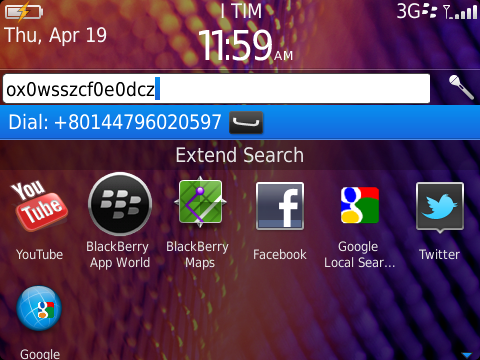
You can dial a secure call by entering the "+801" prefix before the number to be dialed, including the international country code without zeros, and press the Dial button.
To dial a secure call complete with prefix:
|
 |
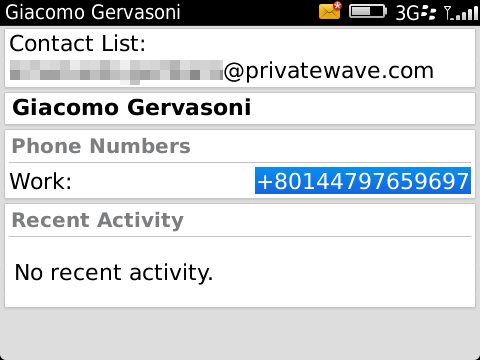
You can call a number previously saved in the phone book with the PrivateGSM prefix (see chapter 7.2 "Secure prefix number").
To make a secure call to a contact saved in your address book with the PrivateGSM prefix:
 |
 |
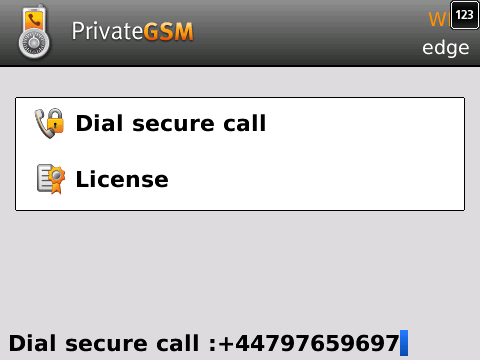
You can make a secure call from the PrivateGSM menu by simply entering the number complete with international country code (i.e.: +44 for UK) and pressing the dial button.
| If you intend to frequently make secure calls to the same number, add it to your phone book with the PrivateGSM prefix (see "Secure prefix number" chapter). |
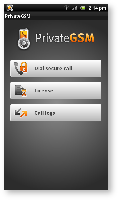
To dial a secure call using the PrivateGSM menu:
 |
 |
 |
|
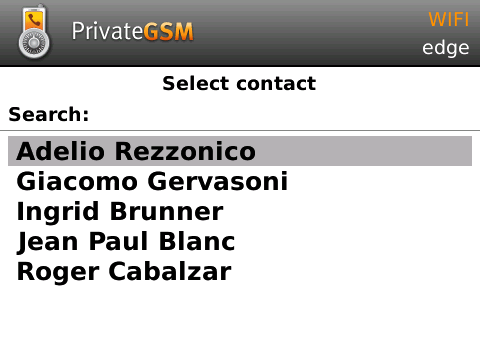
PrivateGSM lets you to choose a contact from your phone address book, so you can make secure calls from PrivateGSM menu by simply selecting a contact. PrivateGSM sort contacts in the same way as native address book does. On iPhone you can change contacts ordering by opening System Settings > PrivateGSM > Application > Contacts Sort Order
| If you intend to frequently make secure calls to the same number, add it to your phone book with the PrivateGSM prefix |
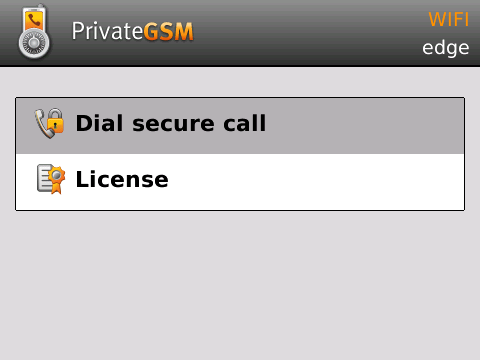
To dial a secure call to a contact using the PrivateGSM menu on BlackBerry:
 |
 |
To dial a secure call to a contact using the PrivateGSM menu on iPhone:
 |
|
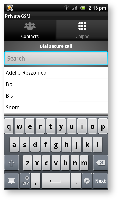
To dial a secure call to a contact using the PrivateGSM menu on Android:
|
 |