...
| Step 1 | Step 2 |
|---|---|
| Select Dial secure call |
|
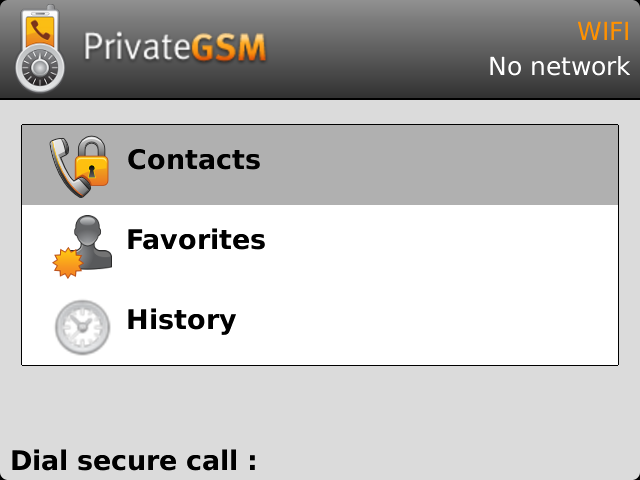 | 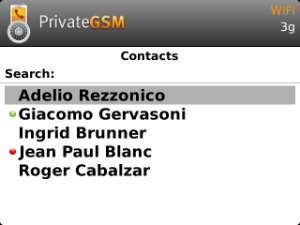 |
To dial a secure call to a contact using the PrivateGSM menu on iPhone:
| Step 1 | Step 2 |
|---|---|
| Select the contact | Tap on the phone number |
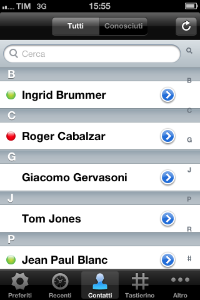 | 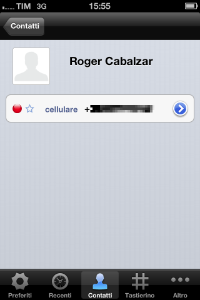 |
To dial a secure call to a contact using the PrivateGSM menu on Android:
...
| Step 1 | Step 2 | Step 3 | Step 4 |
|---|---|---|---|
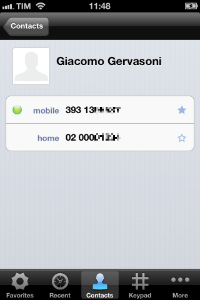
From the "Favourites" tab, tap on the "+" sign or just open the "Contacts" tab | Choose one contact and show its details. |
|
|
| |  |  |
Remove a contact from the "Favourite" list
...